
Can I Play Music on a Livestream Without Copyright Claims?
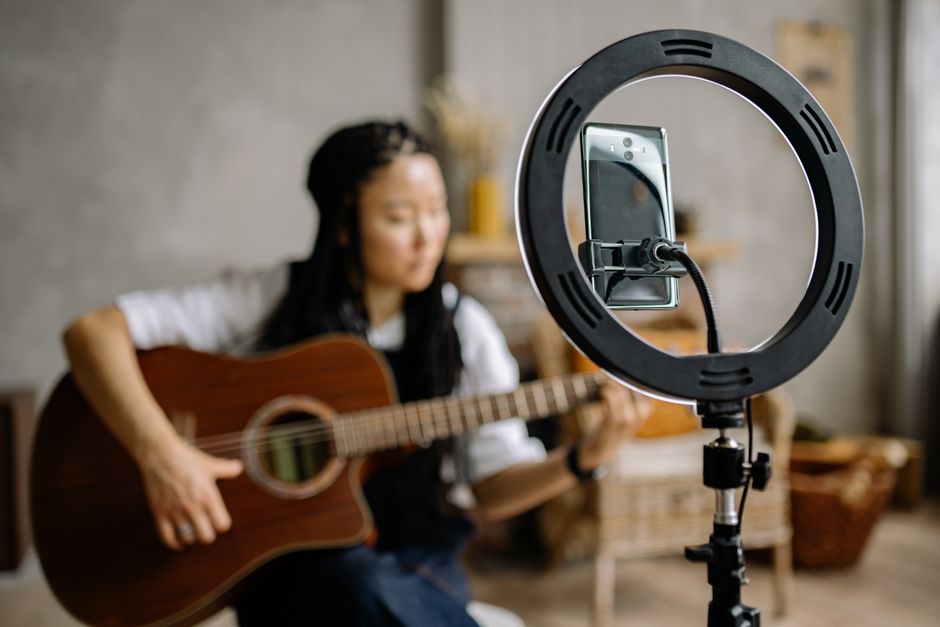
You can play music on a livestream only when you have permission or a license that covers the specific use and platform. Buying a song or subscribing to a music service usually gives you personal listening rights, not streaming rights. Platforms may detect unauthorized music during a broadcast or in its replay, leading to interruptions, muted audio, claims, or takedowns.
Can I play popular songs in the background on a livestream?
Usually, not without permission that covers streaming the music to an audience. A track playing quietly in the background is still music included in the broadcast; lowering the volume or crediting the artist does not itself grant rights.
The reason is that a song can involve two separately protected works: the musical composition and lyrics, and the specific sound recording. The U.S. Copyright Office explains that these works are commonly owned and licensed separately, and that their copyright rules differ. A permission for one may not cover the other, so check that the authorization applies to the complete track and your intended use.
Twitch says creators should include music only when they are sure they have the necessary rights or authority. Its examples of usable music include music the creator owns and music licensed from all relevant rights holders. A CD purchase or music-service subscription typically provides personal playback rights rather than permission to share the recording on Twitch.
Make permission practical. Before going live, check whether the license covers live broadcasts, saved replays or clips, and the platform where you plan to publish. Save the license terms, written permission, and any attribution instructions where you can find them. A track that appears free to download is not automatically cleared for every use.
YouTube identifies its Audio Library in YouTube Studio as a source of music and sound effects it knows to be copyright-safe on YouTube. Some tracks require attribution, and YouTube provides text to copy into a video description. The platform cautions that it cannot confirm other music libraries or tracks found on YouTube channels are copyright-safe. That is a useful distinction: check the source and the actual terms, rather than relying on a label such as “royalty-free” without reading what it permits.
Can a live stream be taken down for copyrighted music?
Yes. A platform can interrupt or terminate a live broadcast when its systems identify third-party music, and a rights holder may also pursue enforcement. The exact response depends on the platform and the circumstances, so having permission and being recognized as authorized are separate practical concerns.
YouTube says all live streams are scanned for matches to third-party content. If it identifies a match, it may show a warning and replace the stream with a placeholder; if the content continues, the stream may be interrupted or terminated. A creator who has licensed third-party content should ask the rights owner to add the channel to the Content ID allowlist. Without that step, YouTube says a stream can still be interrupted even when the creator has a license.
Twitch says unauthorized music may lead to a DMCA takedown request and channel enforcement, potentially including account termination. The risk is not limited to what viewers hear during the live broadcast: Twitch may suspend livestreams or delete recordings for prohibited uses. A license should therefore be checked against the whole publishing plan, not just the moment you press “go live.”
If you receive a warning or takedown notice, read the platform notice and follow its stated process. Do not assume that a purchase receipt or subscription payment proves streaming permission. If you do have rights, keep the documentation and use the platform’s available appeal or rights-management steps as appropriate.
Why is my livestream replay muted?
Your replay may be muted because the platform detected copyrighted audio in the saved video, even if the live broadcast was not stopped. A muted replay is not automatically the same thing as a formal DMCA notification, so first check the platform’s notice and the affected section before deciding what happened.
Twitch automatically mutes the portion of a VOD where its systems detect copyrighted audio. Twitch says that a muted VOD by itself does not mean the creator received a DMCA notification, and that muted VODs do not negatively impact the channel. If you believe you own or have permission to use the audio, or that the system identified it incorrectly, Twitch provides a way to appeal the mute.
YouTube handles the live and saved versions differently. It scans the live broadcast while it is happening, but Content ID claims on an archived livestream are made after the stream ends if the creator chooses to archive it. In other words, a broadcast that finished without interruption can still encounter a copyright claim in its replay.
Use this troubleshooting sequence:
- Check whether the notice concerns a muted segment, a Content ID claim, a takedown, or a live-stream interruption. These are not interchangeable outcomes.
- Identify the track and the portion of the broadcast where it appears, then compare that use with your license or written permission.
- If you believe the audio was authorized or incorrectly identified, use the platform’s appeal process and provide the relevant documentation.
- For future broadcasts, remove music that is not cleared for the live stream and replay, or choose a source whose terms clearly cover both.
Twitch also says that paying for a streaming-service subscription or buying audio does not authorize making that audio available in a Twitch VOD. Artist credit alone is not enough either. The reliable fix is permission that matches the use—not a change to volume, attribution, or how the track was acquired.
Frequently Asked Questions
Does owning a song or having Spotify Premium let me stream it?
Usually not. Buying a recording or paying for a music-service subscription generally gives you personal playback rights, not permission to share the music in a livestream or VOD. Credit to the artist alone does not provide that permission.
Where can streamers find music they are allowed to use?
Look for music you created or tracks for which you have permission covering livestreams, replays, and the platform you use. YouTube says its Audio Library tracks and sound effects are known to YouTube as copyright-safe, though some tracks require attribution. Read the specific terms and keep the license or permission details.
Sources
Keep reading

How Can I Go Clubbing Alone and Stay Safe?
A practical guide to solo clubbing: choose the right venue, understand door policies, enjoy dancing alone, and plan a safer trip home.
Do I Need Earplugs at Concerts, and Which Kind Should I Choose?
Choose concert earplugs that balance hearing protection, sound clarity, fit, and budget—with practical advice for foam, filtered, and custom options.